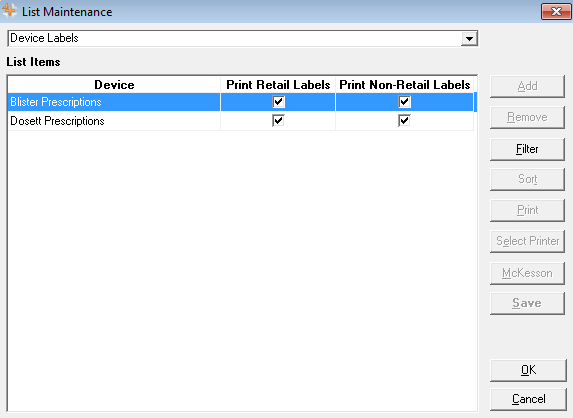
Device Labels List
The Device Labels function in List Maintenance provides the ability to fill Blister (formerly Blister (Dispill)) or Dosett prescriptions without printing a label set. If the pharmacy uses automated dispensing devices such as AutoMed or Baker APS, the Device Labels settings can be used to dispense prescriptions from these devices without printing prescription labels from PharmaClik Rx.
When labels are suppressed for Dosett, Blister (Dispill), or a specific device, PharmaClik Rx does not print a label set for those prescriptions. If a label set is required after the prescription has been filled, it can be obtained by selecting Rx > Print from the Workbench, the patient’s profile, or from Rx Detail. This generates a complete label set with one vial copy.